

Table of Contents
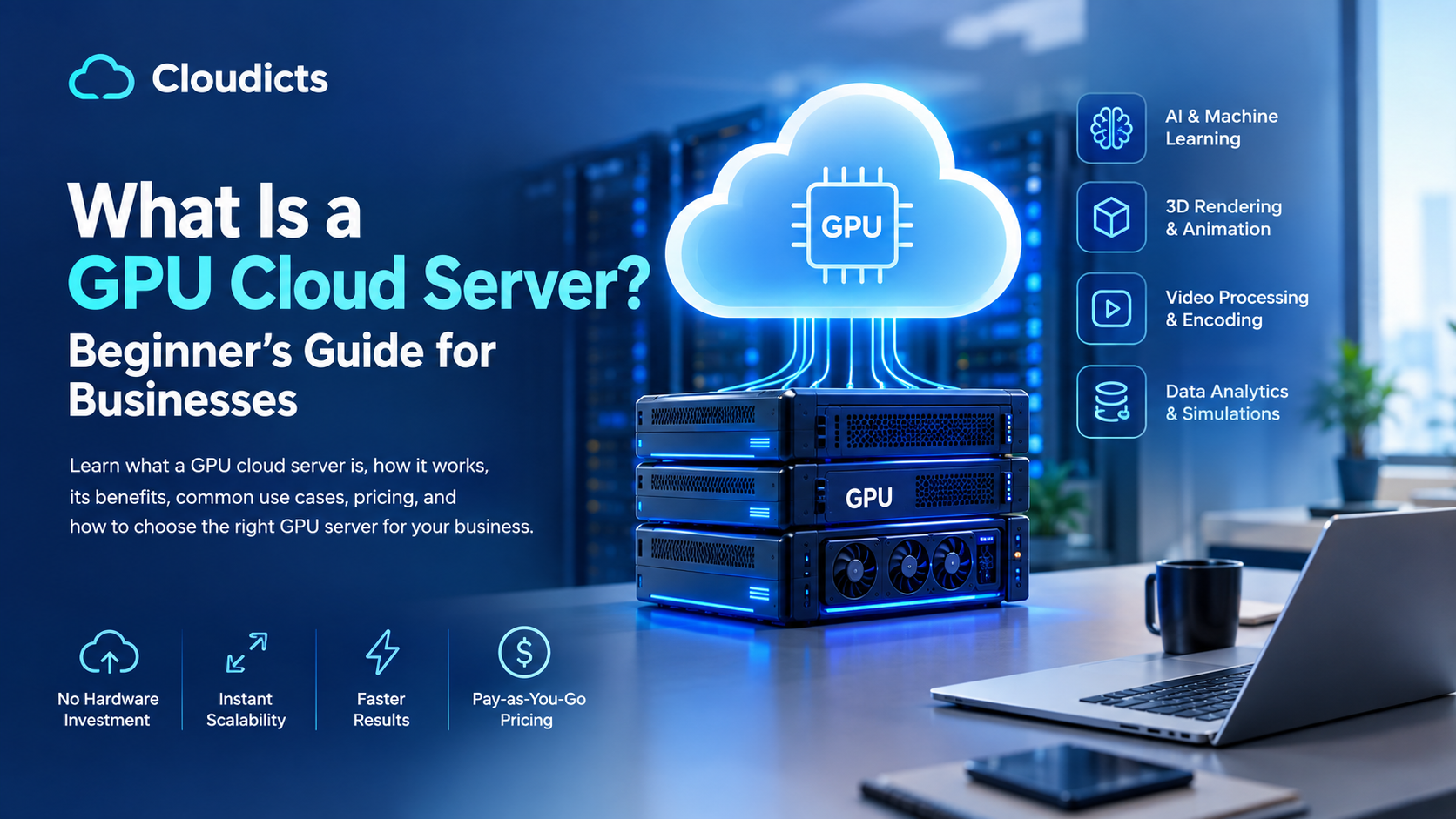
What is a GPU cloud server? It is a server with an NVIDIA graphics processor (GPU) that you rent online from a data centre, instead of buying the hardware yourself. You log in remotely and use it to train AI models, run chatbots and LLMs, render 3D scenes or process video – tasks that run many times faster on a GPU than on a normal CPU server. At Cloudicts, GPU cloud servers start at ₹4,799 per month, hosted in Mumbai, Noida and Chennai.
You may also see it called a cloud GPU, GPU hosting, GPU VPS or GPU as a Service (GPUaaS) – they all mean renting GPU computing online. This beginner’s guide explains how a GPU cloud server works, how it differs from a normal server, what it costs in India, which GPU to choose and how to get started – in plain language.
Quick answer: A GPU cloud server is a rented virtual server with a GPU attached, used for AI, machine learning, LLMs, rendering and video. You need one only if your software can use a GPU (for example PyTorch, TensorFlow, Blender or video encoders). For websites, databases and business apps, a normal CPU server is enough and much cheaper.
Key Takeaways
- A GPU cloud server is a rented server with an NVIDIA GPU, used remotely for AI, LLMs, rendering and video.
- GPUs are faster than CPUs only for parallel work such as AI training, inference and 3D rendering.
- GPU memory (vRAM) is the most important spec – it decides which AI models you can run.
- A 7B-parameter LLM needs about 14–16 GB of vRAM in 16-bit precision, or about 4–5 GB when 4-bit quantised.
- In India, Cloudicts GPU cloud servers start at ₹4,799/month (excluding GST), billed monthly in rupees.
- Websites and business apps don’t need a GPU – a CPU server from ₹395/month is enough.
What Is a GPU Cloud Server? (Simple Explanation)
Think of a CPU as a few very smart workers who handle any task one after another, and a GPU as thousands of simpler workers who all do small calculations at the same time. AI training, image generation and 3D rendering are made of millions of small, similar calculations – so the GPU finishes them far faster.
A GPU cloud server puts that GPU in a data centre and lets you rent it by the month. You get:
- A GPU with its own memory (called vRAM)
- CPU cores, system RAM and SSD or NVMe storage
- An IP address and full root access to install your software
- Power, cooling, network and hardware maintenance handled by the provider
How Does a GPU Cloud Server Work?
A GPU cloud server works like any cloud server, but with a GPU attached: the provider runs the hardware in a data centre, and you connect over the internet (SSH) to install software and run GPU workloads.
- Choose a GPU and plan – based on the GPU memory your project needs.
- The provider sets up your server – at Cloudicts, GPU cloud plans are provisioned instantly.
- You connect over SSH from your computer and install your tools (Python, PyTorch, Docker and so on).
- You run your workload – training, inference, rendering or video processing.
- You upgrade when needed – move to a bigger GPU or a dedicated GPU server as your project grows.
GPU Cloud Server vs CPU Cloud Server
| GPU cloud server | CPU cloud server | |
|---|---|---|
| Best for | AI, ML, LLMs, rendering, video, simulations | Websites, WordPress, databases, APIs, ERP/CRM |
| How it computes | Thousands of calculations in parallel | A few tasks very quickly, one after another |
| Key spec to check | GPU memory (vRAM) | vCPU and RAM |
| Starting price at Cloudicts | ₹4,799/month | ₹395/month (VPS), ₹649/month (cloud) |
If your app doesn’t use a GPU, a GPU server won’t make it faster. Host websites and business apps on VPS hosting or cloud hosting instead.
What Is a GPU Cloud Server Used For?
A GPU cloud server is used for work that needs heavy parallel computing – mainly AI and machine learning, LLMs, image generation, computer vision, 3D rendering and video processing.
- AI and machine learning: training and testing models with PyTorch or TensorFlow.
- LLMs and chatbots: running or fine-tuning open models such as Llama or Mistral, building AI assistants.
- Image generation: Stable Diffusion and similar tools.
- Computer vision: object detection, face recognition, CCTV and video analytics.
- 3D rendering and animation: architecture, product visualisation, VFX.
- Video processing: encoding, transcoding and AI video editing.
- Virtual desktops (VDI): graphics-heavy remote desktops for design teams.
- Scientific computing: simulations and research with GPU-accelerated software.
What Do vRAM, CUDA, Training and Inference Mean?
These are the GPU terms every beginner should know before renting a cloud GPU.
| Term | What it means |
|---|---|
| vRAM | The GPU’s own memory. It decides how big a model you can run – the most important spec for AI. |
| CUDA | NVIDIA’s software platform that lets programs like PyTorch use the GPU. |
| Training | Teaching a model from data. Needs the most GPU memory and time. |
| Inference | Using a trained model to answer requests. Needs less GPU memory than training. |
| Fine-tuning | Adapting an existing model to your data. Cheaper than training from scratch. |
| Quantisation | Shrinking a model (e.g. to 4-bit) so it fits in less GPU memory. |
| Allocated vRAM | On GPU cloud plans, the share of GPU memory assigned to your server. |
| Dedicated GPU server | A whole physical machine with full GPU cards, for heavy training and multi-GPU work. |
How Much Does a GPU Cloud Server Cost in India?
Cloudicts GPU cloud prices per month, excluding GST. Every plan includes full root access, instant provisioning, a 99.95% uptime SLA and 24×7 support.
| Plan | GPU | vCPU / RAM | Price/month | Good for |
|---|---|---|---|---|
| A100 GPU Cloud 1 | NVIDIA A100 (8 GB vRAM) | 4 / 8 GB | ₹4,799 | Learning, first AI projects |
| A100 GPU Cloud 2 | NVIDIA A100 (10 GB vRAM) | 8 / 10 GB | ₹8,399 | Image generation, small models |
| A16 GPU Cloud 1 | NVIDIA A16 | 8 / 64 GB | ₹8,399 | Virtual desktops, graphics |
| RTX PRO 6000 Blackwell Cloud 1 | NVIDIA RTX PRO 6000 Blackwell | 4 / 16 GB | ₹9,599 | Rendering, AI inference |
| A100 GPU Cloud 3 | NVIDIA A100 (20 GB vRAM) | 16 / 24 GB | ₹11,999 | 7B LLMs, computer vision |
| V100 GPU Cloud 1 | NVIDIA V100 | 16 / 128 GB | ₹11,999 | Existing CUDA projects |
| L40S GPU Cloud | NVIDIA L40S (48 GB) | 16 / 128 GB ECC | ₹66,000 | Larger generative AI models |
With 18% GST, the ₹4,799 plan costs ₹5,663 per month, or ₹5,097 per month on a 12-month order with code GET10OFF. Need a full GPU card? GPU dedicated servers start at ₹27,499/month (NVIDIA L4) and ₹32,999/month (full A100 40 GB). See all prices in our GPU server price in India guide.
What affects the price?
- GPU model and memory – more vRAM costs more.
- Number of GPUs – multi-GPU servers cost more.
- CPU, RAM and storage included with the GPU.
- Billing – Cloudicts bills monthly at a fixed rupee price; some providers bill hourly (compare in our GPU cloud providers in India guide).
Which GPU Should a Beginner Choose?
Start from the GPU memory your project needs:
- Just learning or testing: A100 GPU Cloud 1 with 8 GB (₹4,799/month).
- Stable Diffusion or computer vision: 10–20 GB – A100 GPU Cloud 2 or 3.
- Running a 7B LLM: about 14–16 GB in 16-bit, or about 4–5 GB if 4-bit quantised – A100 GPU Cloud 3 (20 GB) gives headroom.
- Larger models needing 48 GB on one GPU: L40S GPU Cloud.
- Training on full GPUs or several GPUs: a dedicated A100 server – see GPU cloud vs GPU dedicated server.
Rule of thumb: an LLM needs about 2 GB of GPU memory per billion parameters in 16-bit precision for inference. Training needs several times more.
How Do You Use a GPU Cloud Server? (Step by Step)
Once your Cloudicts GPU server is ready, you’ll receive its IP address and login. These first commands work on Ubuntu:
1. Connect to your server
ssh root@YOUR_SERVER_IP2. Check the GPU is visible
nvidia-smiThis shows the GPU model, its memory and current usage.
3. Install Python tools and PyTorch
apt update && apt install -y python3-pip python3-venv
python3 -m venv ai && source ai/bin/activate
pip install torch
4. Confirm PyTorch can use the GPU
python3 -c "import torch; print(torch.cuda.is_available(), torch.cuda.get_device_name(0))"If it prints True and the GPU name, you’re ready to run your models. For the exact install command for your CUDA version, see the official PyTorch install guide and NVIDIA’s CUDA documentation.
Not sure how to set it up? Cloudicts offers a free GPU test and our engineers can help you get started.
Is a Cloud GPU Worth It, or Should You Buy a GPU?
For most businesses, startups and learners, renting a cloud GPU is worth it – there is no upfront hardware cost, and power, cooling and repairs are included. Buying only makes sense if you will keep GPUs fully busy for years and have your own data centre.
| Rent a GPU cloud server | Buy a GPU server | |
|---|---|---|
| Upfront cost | None – from ₹4,799/month | Large hardware purchase |
| Power, cooling, space | Included | You pay and manage |
| Hardware failures | Provider replaces | Your responsibility |
| Upgrading to a newer GPU | Change plan | Buy new hardware |
| Best for | Most businesses, startups and learners | Teams keeping GPUs fully busy for years, with their own data centre |
Why Use a Cloud GPU in India?
- Your data, backups and logs stay in India, in Mumbai, Noida and Chennai, on infrastructure designed to support DPDP Act compliance.
- Lower latency for AI apps serving Indian users.
- Fixed monthly price in rupees – no dollar fluctuation, same price on renewal.
- GST invoice with input tax credit; pay by UPI, NEFT, net banking or purchase order.
- Support in English, Hindi and Marathi, 24×7.
Frequently Asked Questions About GPU Cloud Servers
What is a GPU cloud server in simple words?
It is a powerful server with an NVIDIA GPU that you rent online from a data centre. You connect to it remotely to run AI, machine learning, rendering or video work, without buying the hardware.
What is a GPU cloud server used for?
AI and machine learning, LLMs and chatbots, image generation, computer vision, 3D rendering, video processing, virtual desktops and scientific computing.
What is the difference between a GPU server and a GPU cloud server?
A GPU server is any server with a GPU, often a physical machine. A GPU cloud server is a virtual server with GPU resources allocated to it, rented from a provider and ready in minutes. A GPU dedicated server gives you the whole physical machine.
How much does a GPU cloud server cost in India?
At Cloudicts, GPU cloud servers start at ₹4,799 per month (NVIDIA A100 with 8 GB vRAM), excluding GST. A 48 GB NVIDIA L40S server costs ₹66,000 per month, and GPU dedicated servers start at ₹27,499 per month.
Do I need a GPU cloud server for my website?
No. Websites, WordPress, databases and business apps run on CPU servers. Use VPS hosting from ₹395 per month or cloud hosting from ₹649 per month instead.
Can I rent a GPU cloud server monthly?
Yes. Cloudicts GPU cloud servers are billed monthly in rupees, with 5% off 6-month orders (GET5OFF) and 10% off 12-month orders (GET10OFF).
Which GPU is best for beginners?
Start with an NVIDIA A100 GPU cloud plan with 8 GB vRAM at ₹4,799 per month for learning, then move to 20 GB or more as your models grow.
Is a cloud GPU worth it?
Yes, for most users. Renting avoids buying expensive GPU hardware and paying for power, cooling and repairs, and you can upgrade to a bigger GPU any time.
What is GPU as a Service (GPUaaS)?
GPU as a Service means renting GPU computing from a provider instead of owning GPUs. A GPU cloud server is the most common form of GPUaaS.
Is a GPU VPS the same as a GPU cloud server?
Mostly yes. Both are virtual servers with GPU resources attached. “GPU VPS” and “GPU cloud server” are used for the same kind of product.
How do I check the GPU on my cloud server?
Log in over SSH and run nvidia-smi. It shows the GPU model, memory, temperature and current usage.
Can I run PyTorch and TensorFlow?
Yes. Cloudicts GPU servers support PyTorch, TensorFlow, CUDA, Docker and Jupyter with full root access.
Final Thoughts
A GPU cloud server is the easiest way to start with AI, LLMs, rendering or video processing: you rent the GPU you need by the month, with no hardware to buy or maintain. Choose by GPU memory, start small, and upgrade as your project grows.
Cloudicts GPU cloud servers start at ₹4,799 per month, hosted in India with a GST invoice. Book a free GPU test or ask us on WhatsApp which GPU fits your project.
About the author: Nikkhil Sonar is the Director of Cloudicts, an Indian cloud provider operating GPU, cloud, VPS and dedicated servers in Mumbai, Noida and Chennai. He works with Indian businesses on AI infrastructure, cloud migration and server sizing.

One thought on “What Is a GPU Cloud Server? Beginner’s Guide for Businesses”
Comments are closed.